
Use Command Bridge to communicate with your crew, mutual-aid partners, and approved contacts without publishing personal contact information.
Open conversations
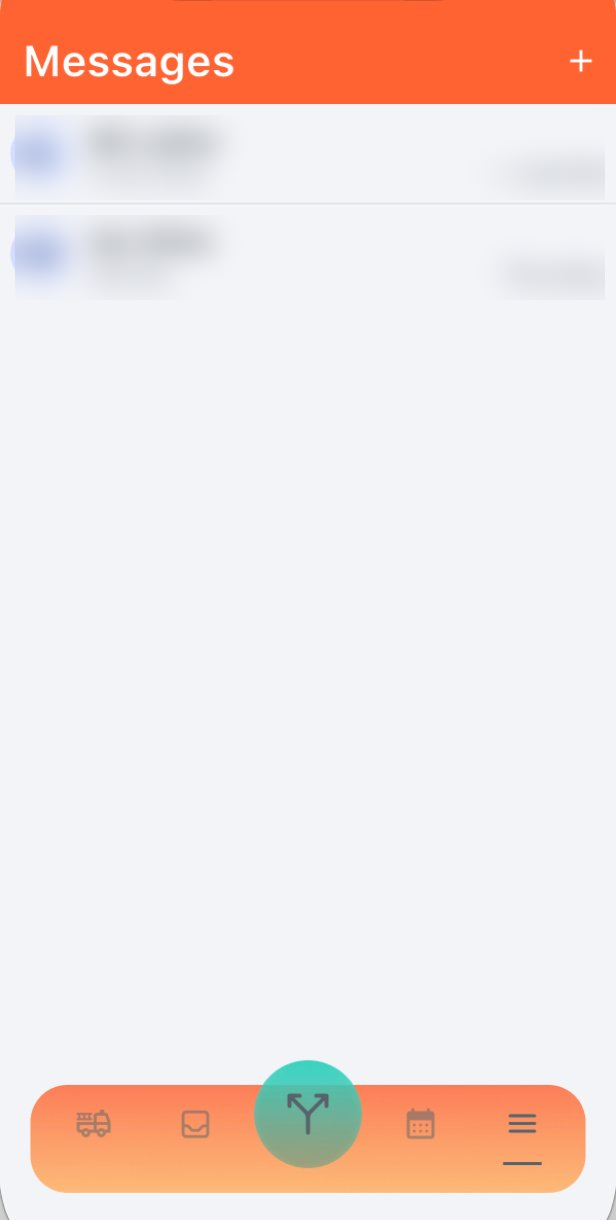
The Messages page lists your active conversations. Open a thread to continue it or use the add control to start a direct message or group conversation.
- Direct messages: one-to-one conversations with an available contact.
- Group chats: conversations with multiple members.
- Read state: available delivery or read information appears where supported.
Create a group chat
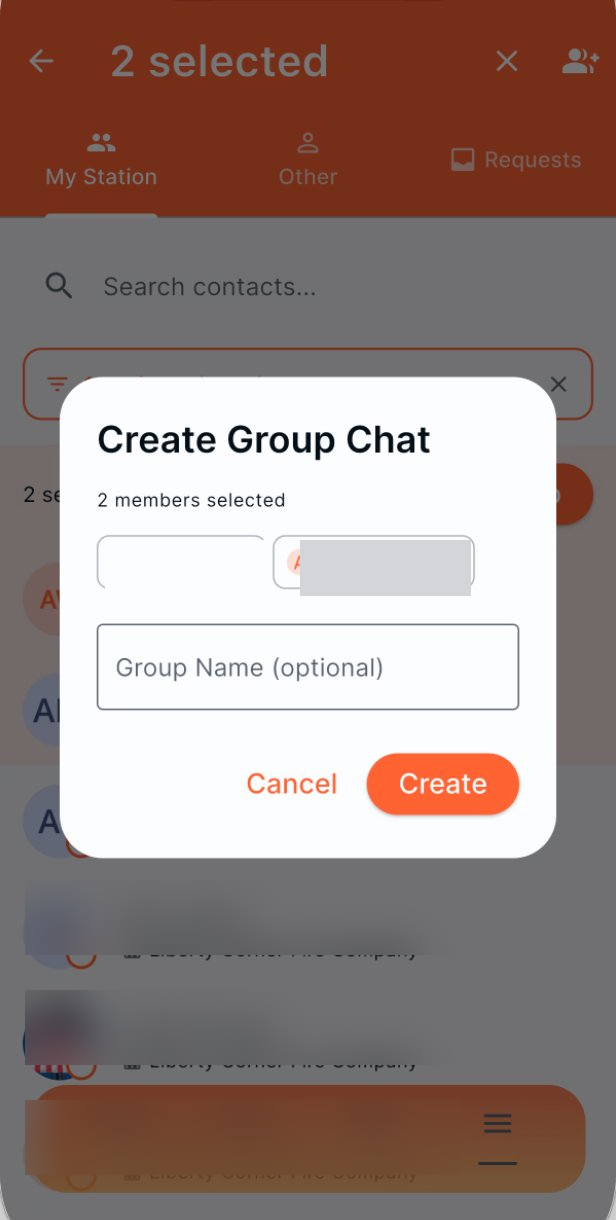
Select two or more members, then create the conversation. A custom group name is optional; use one when it helps members recognize the purpose of the group.
Use contacts and requests
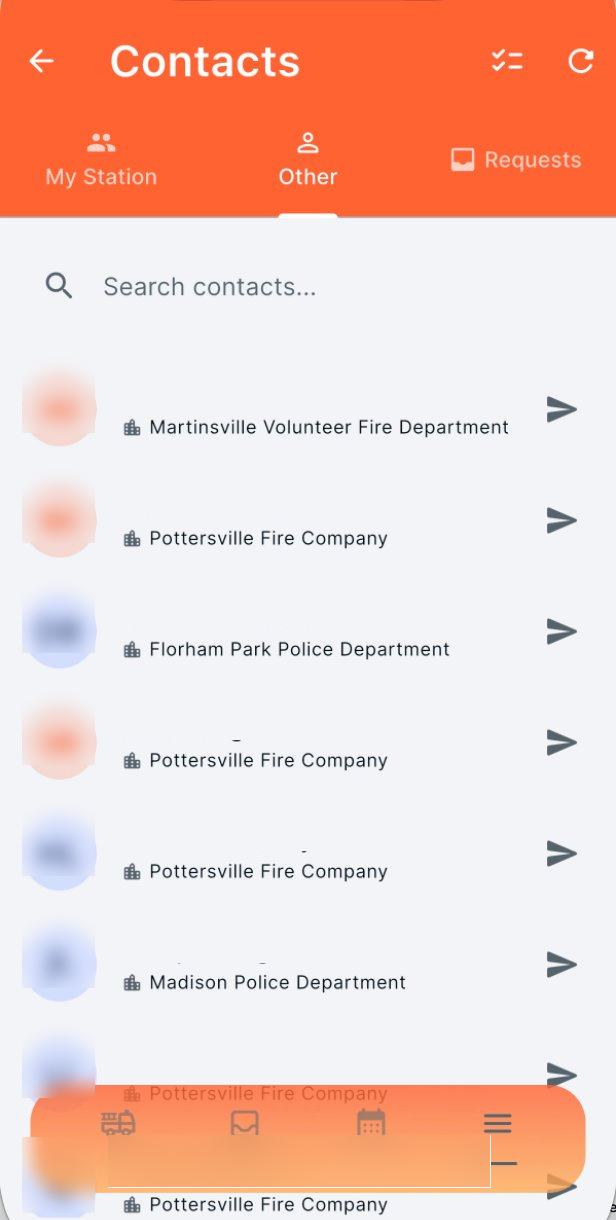
- My Station: members of your assigned station.
- Other: available contacts from other stations or agencies.
- Requests: pending message requests requiring review.
A message request may be required before a conversation can begin with someone outside your station.
Use operational judgment
Follow department policy when sharing incident, member, or patient-related information. Do not treat an ordinary chat as a substitute for required CAD, radio, or reporting workflows.