
Command Bridge runs on iOS, Android, and any web browser. Download from the App Store or Google Play, or sign in at secure.commandbridge.app—same account, same data, all your devices.
Install Command Bridge
Sign in
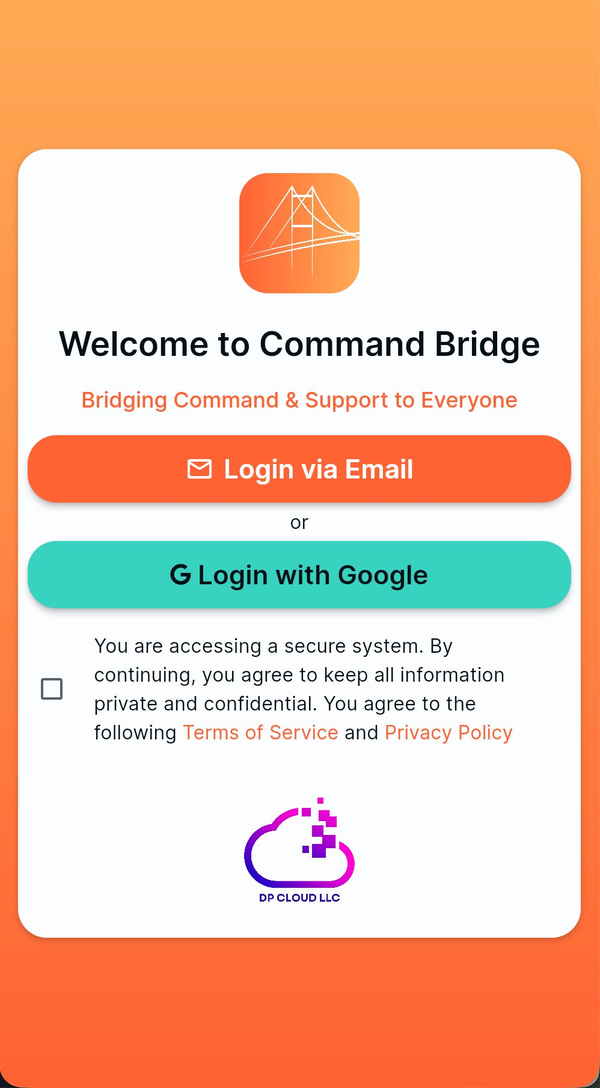
Choose your sign-in method
- Login via Email: enter the email associated with your account and follow the available email sign-in instructions.
- Login with Google: use the Google account associated with your department.
Before continuing, review and accept the Terms of Service and Privacy Policy shown in the app.
Review permissions
Command Bridge may ask for notifications, critical alerts, and location access. Each permission supports a specific feature and can be reviewed in Device setup.
- Notifications: incident and department alerts.
- Critical alerts: eligible urgent alerts may sound when the device is muted.
- Location: routing and arrival tools; optional Live Location sharing has additional authorization, account consent, device permission, and per-incident controls.
Live Location does not start automatically
Account consent or device permission alone does not start sharing. An eligible member must also choose Share Location for a specific active incident. See the Live Location guide.
Use the full menu
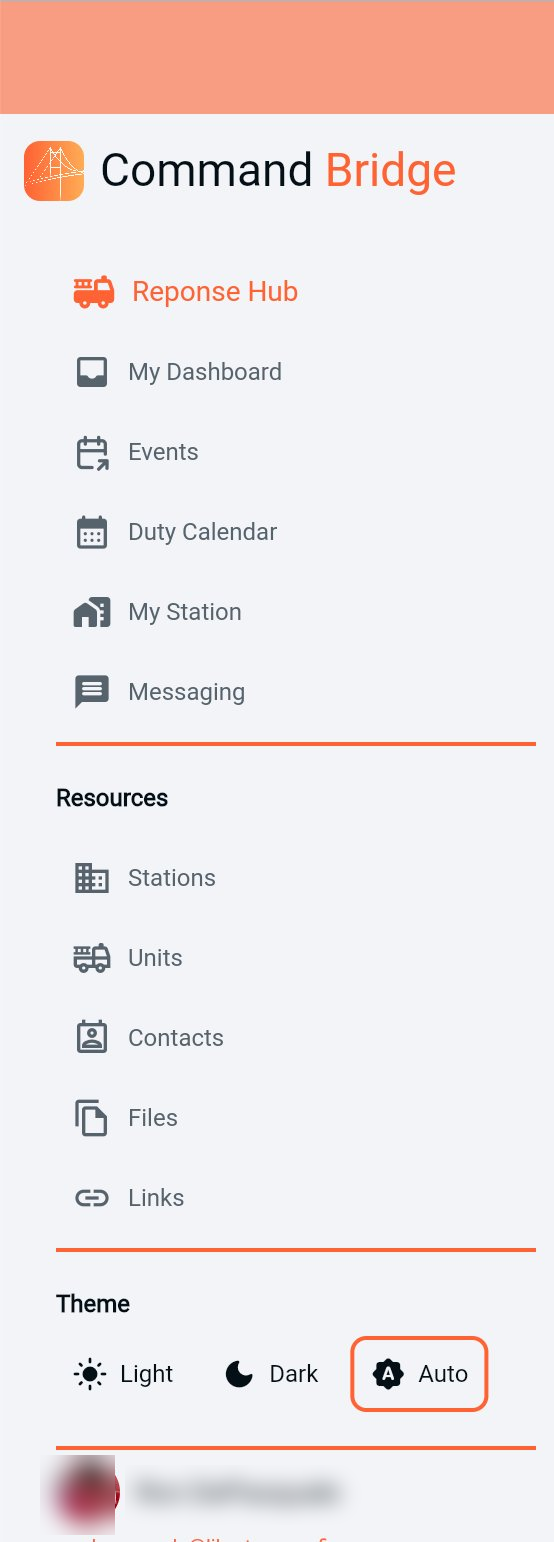
Reach every part of the app
- Response Hub: active and past incidents.
- Events: drills, meetings, and department events.
- Duty Calendar: schedules and availability.
- My Station: your assigned station details.
- Messaging: direct and group conversations.
- Resources: stations, units, contacts, files, and links.
Use bottom navigation
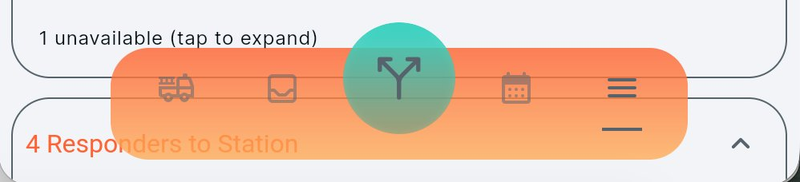
The mobile navigation keeps frequently used destinations available. The center green action button is context-aware and appears where actions are available.
Watch for the green action button
It is the fastest way to update a response, act on an event, or use other page-specific controls.